Signing up and saving your guide
You can start without an account: here is how to keep what you built.
You do not need an account to start building. We keep your draft on this device while you work.
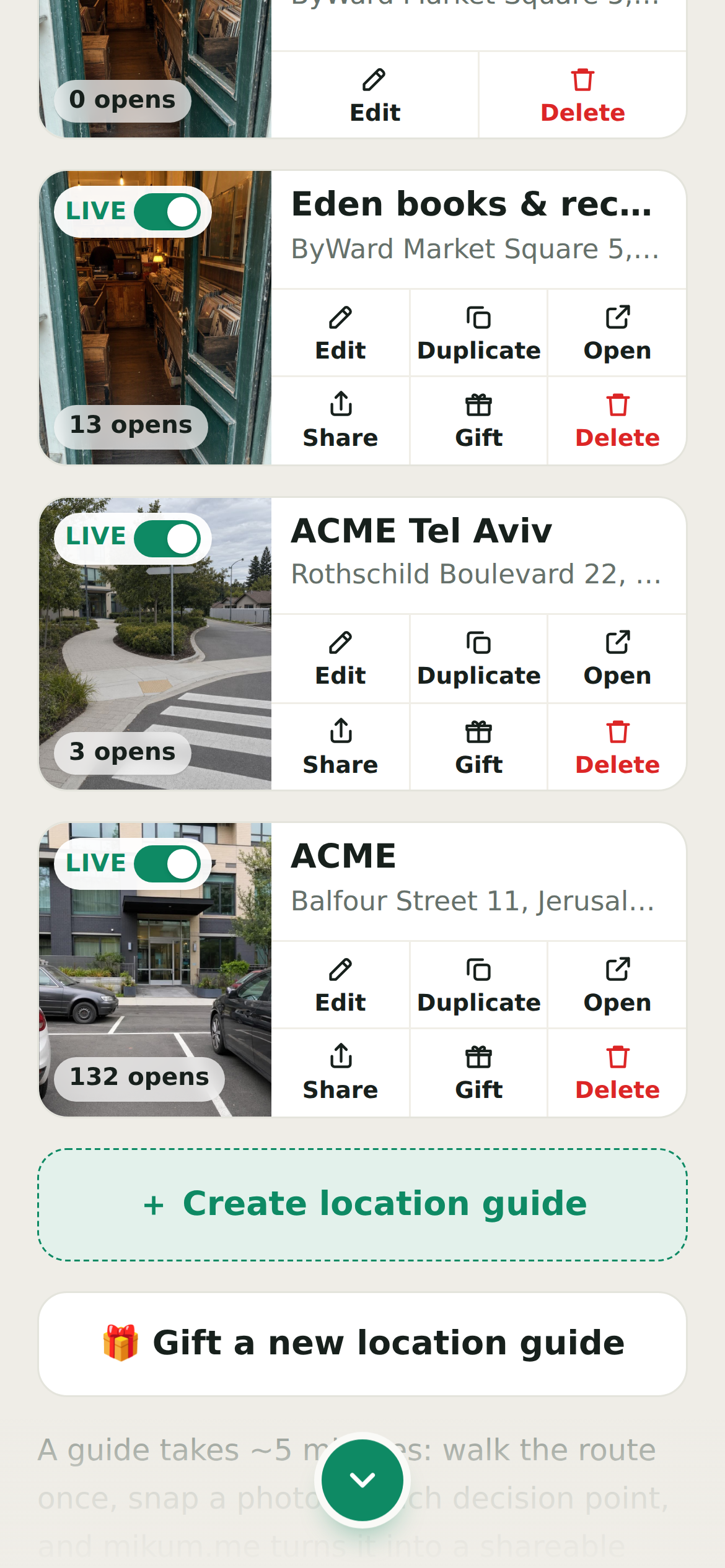
Keep it forever
- 1Build as much as you like as a guest.
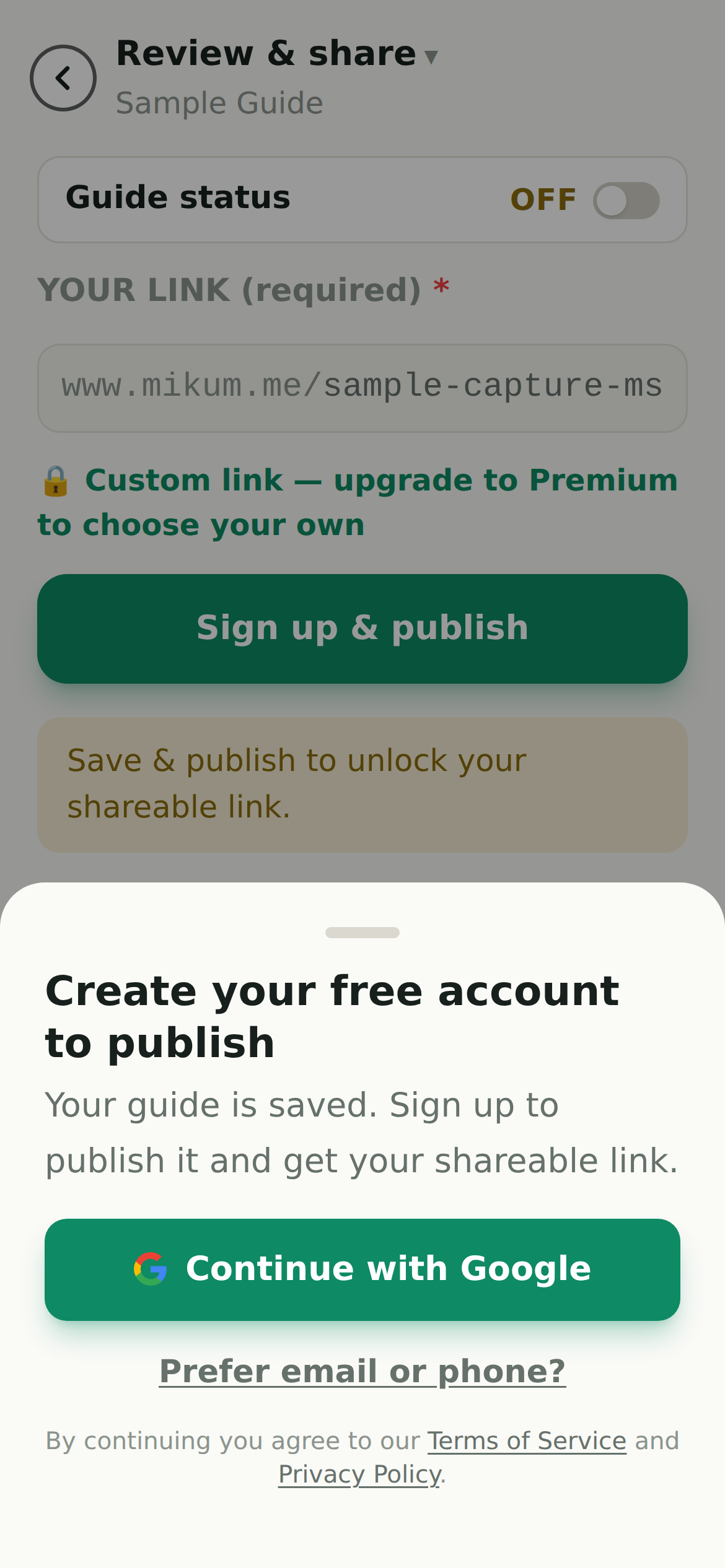
- 2When you publish, enter your email address.
- 3Open the email we send and tap the link: that is the whole login. No password to choose or forget.
💡The link is single-use and expires. If it went to spam, request another one; nothing is lost while you wait.
Signing in later
On the login screen enter the same email address and tap the link again. Everything you have built is attached to that address, on any device.
If you built a draft as a guest on your phone and then signed in on a laptop, open the phone once more and sign in there: the draft attaches to your account the moment you do.
Signing in accepts our terms
Under the sign-in options you will see a line saying that by continuing you agree to our Terms of Service and Privacy Policy. There is no box to tick: creating the account (or signing back into it) is the agreement.
Both documents are always one tap away: the links open in a new tab, so nothing you have already typed is lost, and they also sit at the bottom of the mikum.me home page.
Last updated Aug 1, 2026