Setting up a directory
Its own link, a cover photo, and which locations belong in it.
A directory is one link that opens a searchable list of your locations. Setting one up takes about a minute.
Building it
- 1Open the menu and tap Directories, then Create a directory.
- 2Give it a name: this is the heading visitors see.
- 3Choose its link. A directory gets its own
mikum.me/your-link, separate from any guide's. - 4Add a cover photo if you want one at the top.
- 5Tick the locations that belong in it, then Save & publish.
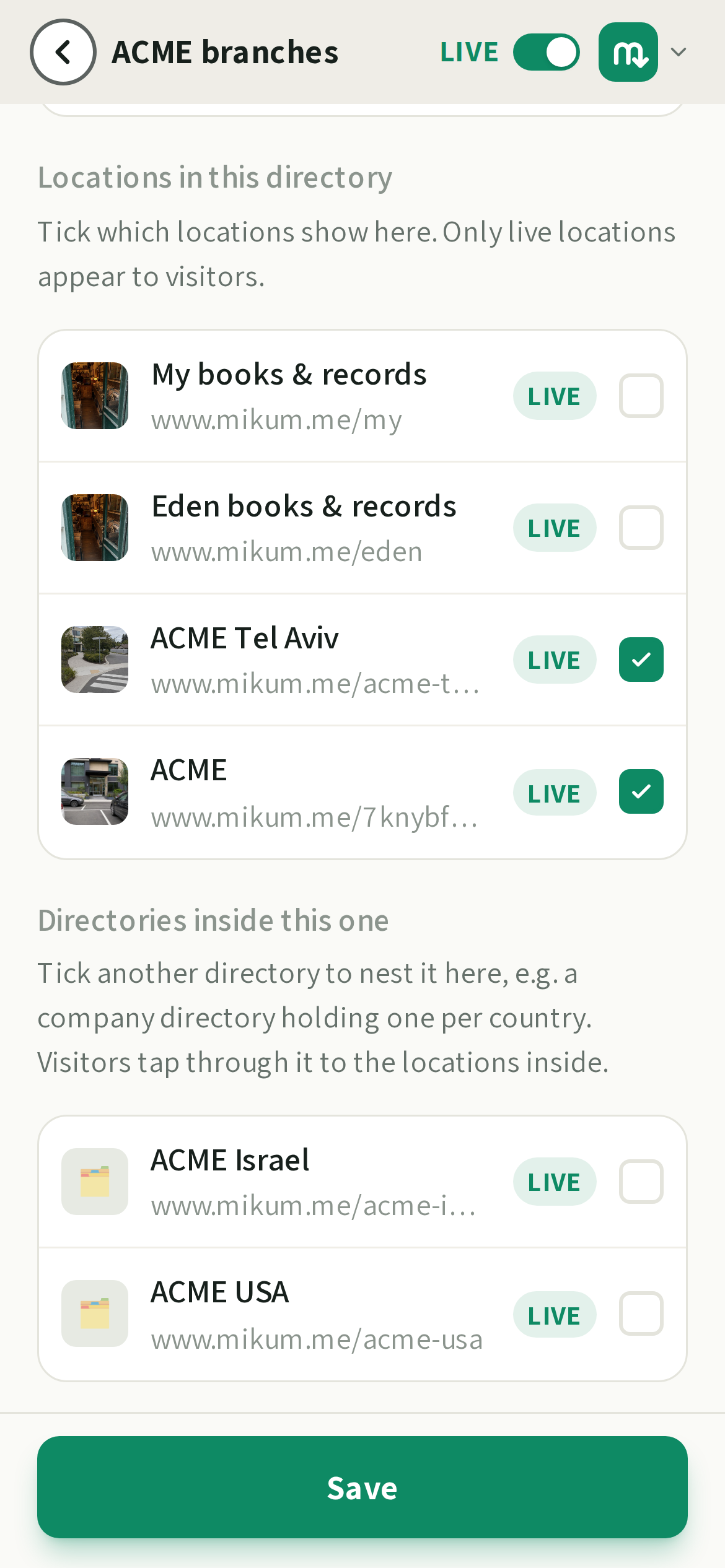
💡Only live locations appear to visitors. A location that is turned off stays in the list here, greyed out, and comes back the moment you turn it on again. You do not have to re-add it.
Turning one off
The switch at the top of the directory editor unpublishes it. The link stops working immediately and the guides inside it carry on working on their own links.
Showing it in more than one language
A directory can greet visitors in their own language. In the directory editor, under Languages:
- 1Directory language is the language the directory's name is written in. Everything else is a translation of it.
- 2Pick + Add a language… for each extra language you want to offer.
- 3Type the directory's name in that language, or tap ✨ and we translate it for you.
- 4Save.
Visitors then get a language selector in the corner of the directory page, and the list shows each guide under the name you gave it in that language, so translating your guides pays off here too.
💡With one language there is no selector, exactly as before. The directory opens in the language of the places it lists (a directory of Israeli branches opens in Hebrew, a French one in French) as long as that is one of the languages you added; otherwise it opens in the directory language, and a visitor whose browser is set to one of your languages gets that one.
Last updated Aug 17, 2026