Premium
Your own logo and branding
Put your business on the guide instead of ours.
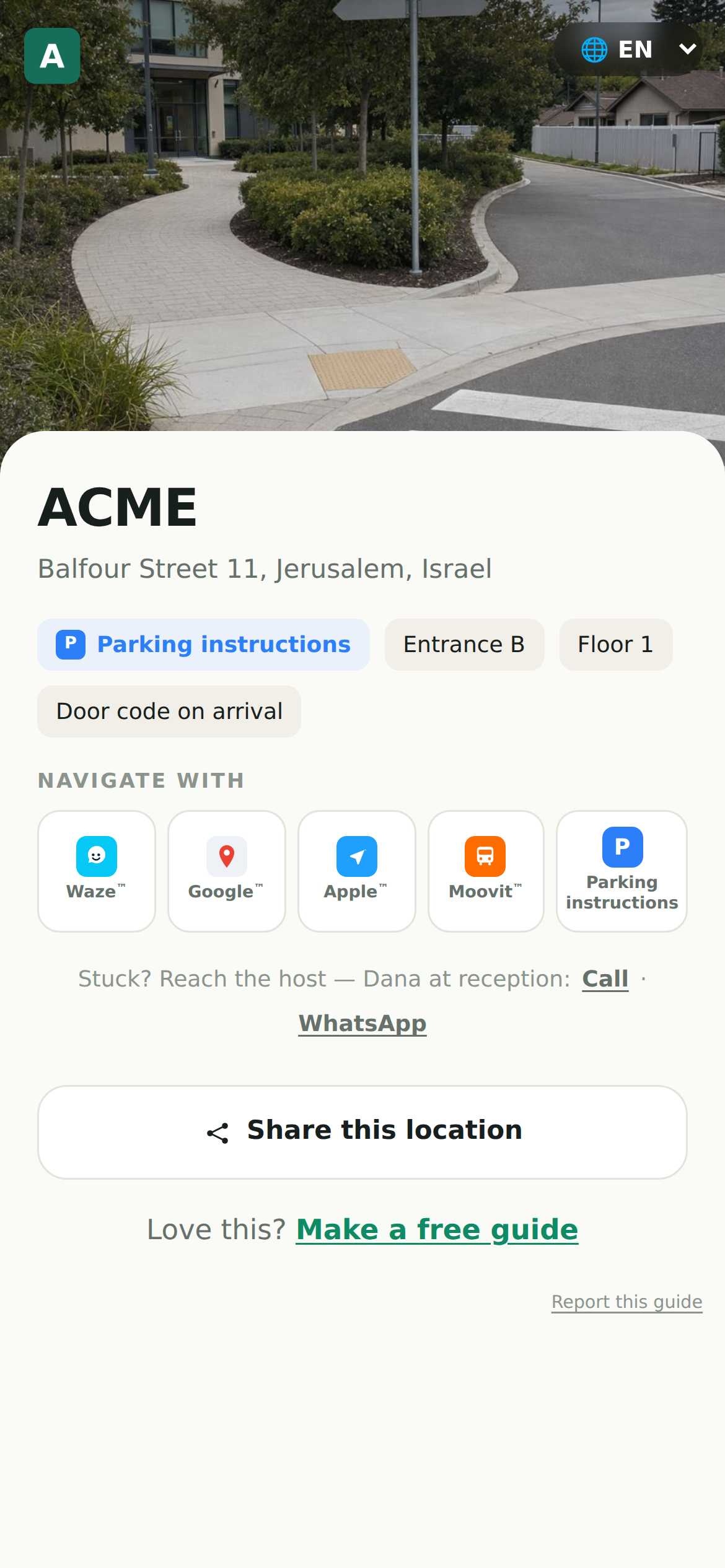
Premium lets your guides carry your identity: your name and logo, not mikum.me's.
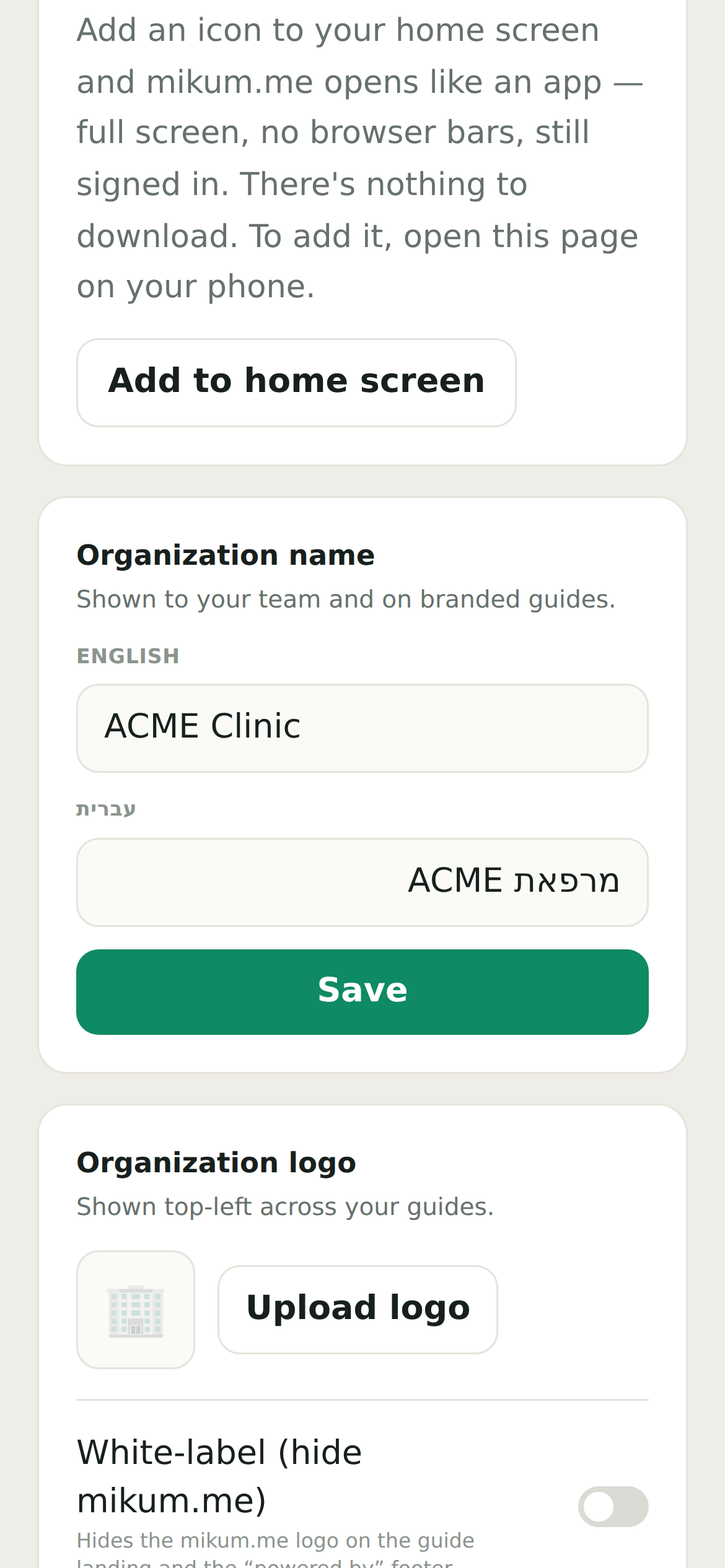
Set it up once
- 1Open the menu and go to Account settings.
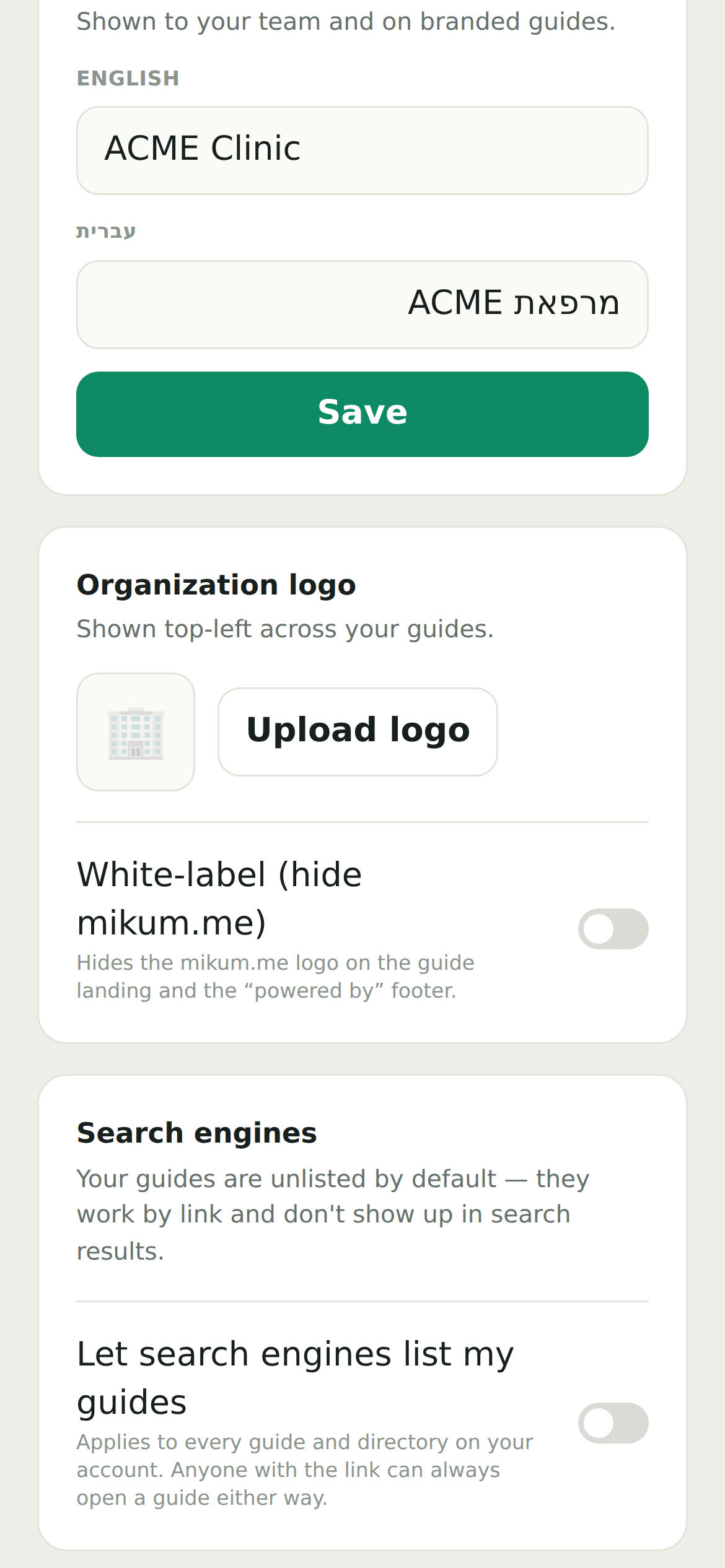
- 2Add your organisation name and upload a logo.
- 3Every guide you own picks it up automatically, no per-guide setup.
White-label
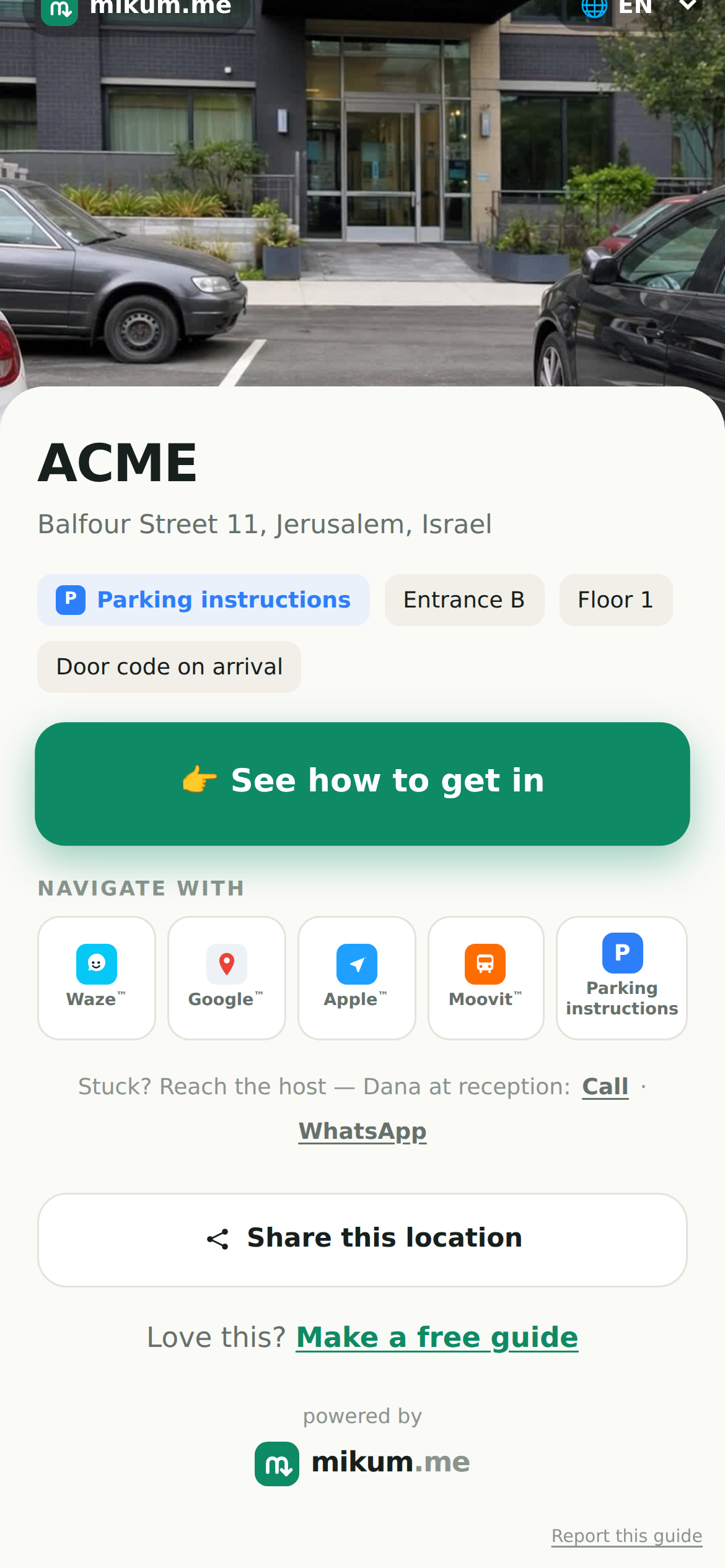
Turn on white-label to also remove the mikum.me branding from the visitor's guide, so it reads as fully yours. Ads are already gone on premium, so the page stays clean.
💡A simple square logo on a transparent background looks best across light and dark guides.
You can change or remove the logo any time; published guides update the moment you save.
Last updated Jul 30, 2026