Billing, invoices and cancelling
Everything about the subscription lives in one place.
Where it is
- 1Open the menu (top right).
- 2Tap Billing & invoices.
- 3You land in the secure billing portal run by our payment provider.
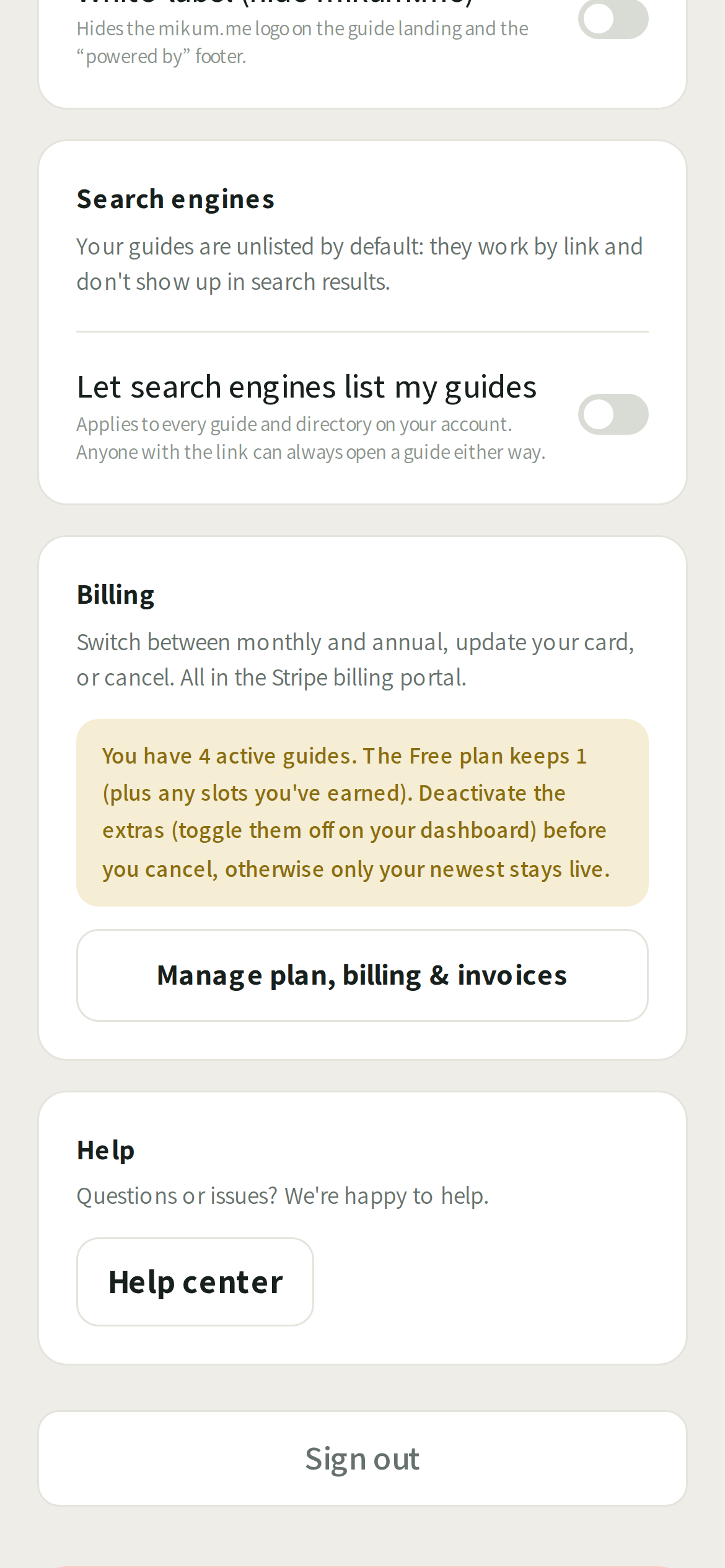
There you can download every invoice, change the card on file, update the billing address, and cancel.
💡Cancelling never deletes anything. Your guides stay; the premium extras switch off at the end of the paid period, and any guides over the free limit go quiet rather than disappear.
A payment failed
The card issuer will usually retry. Update the card in the billing portal and the subscription recovers on its own. Nothing is lost in the meantime.
After you cancel
Cancelling is never the end of the conversation. The moment it goes through:
- We write to you: one email (or text) with the exact date Premium switches off and what changes when it does. No charge is made after that date, and nothing you built is deleted.
- Your account page shows the countdown: a strip at the top of Account says how many days of Premium are left and when it ends.
- One tap takes it back. Reactivate Premium on that strip resumes the same subscription: same card, same price, same renewal date, nothing to set up again. It is there for as long as the countdown is.
Until that date everything runs exactly as it does now. After it, the account returns to Free: ads come back on the visitor's screen, your logo, custom branding and directories switch off, and any guide over the free limit goes quiet. It keeps every photo and step, and you can choose which guide is the live one at any time.
💡Worth doing before the date: turn off the guides you don't need live, so the choice of what stays up is yours rather than ours.
Last updated Jul 27, 2026