Account & billing
Upgrading to premium
What you get, what it costs, and how to do it.
Free covers two live guides with mikum.me branding and ads. Premium removes all of that.
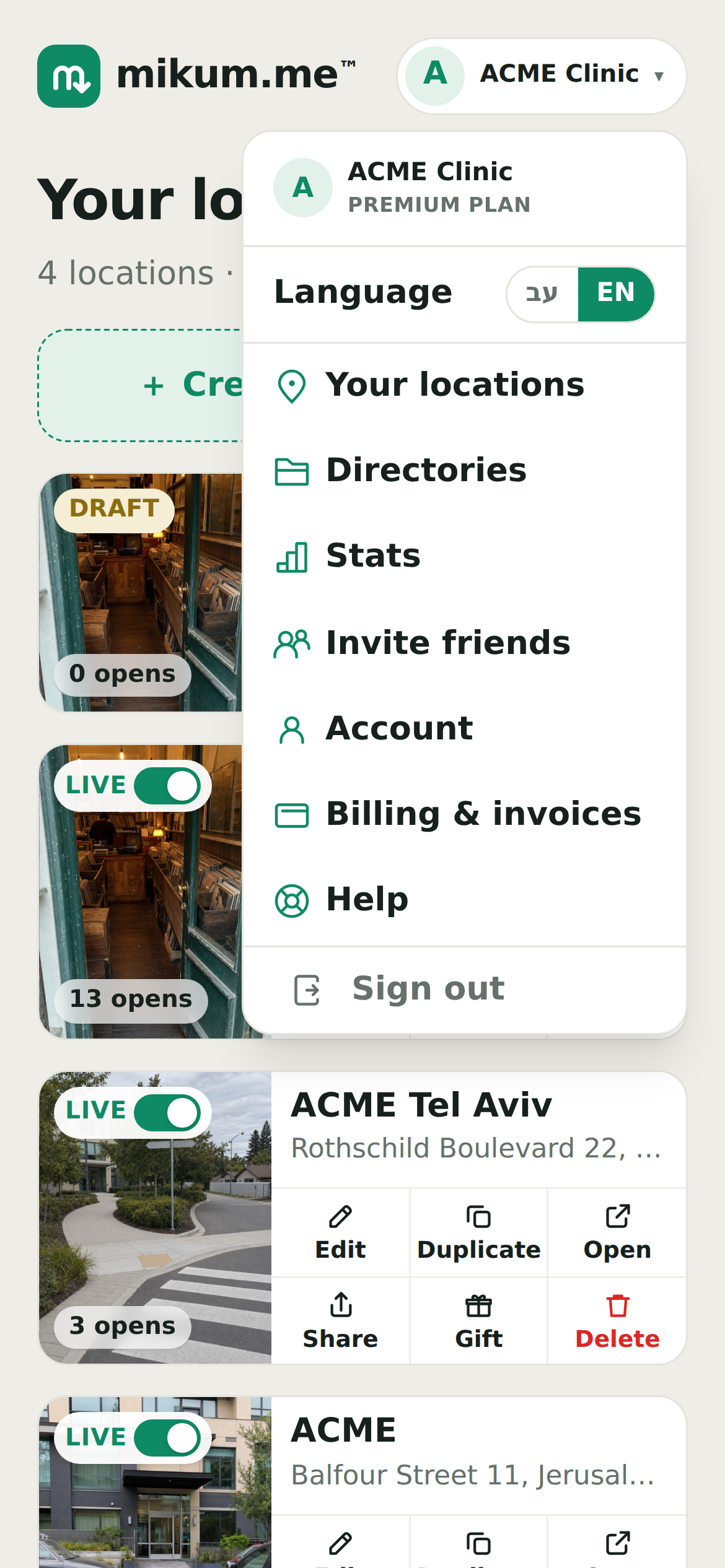
Upgrading
- 1Open the menu (top right) and tap Upgrade to premium.
- 2Review what is included and continue to checkout.
- 3Pay with any card. Premium is on the moment the payment clears, no need to reload.
What premium adds
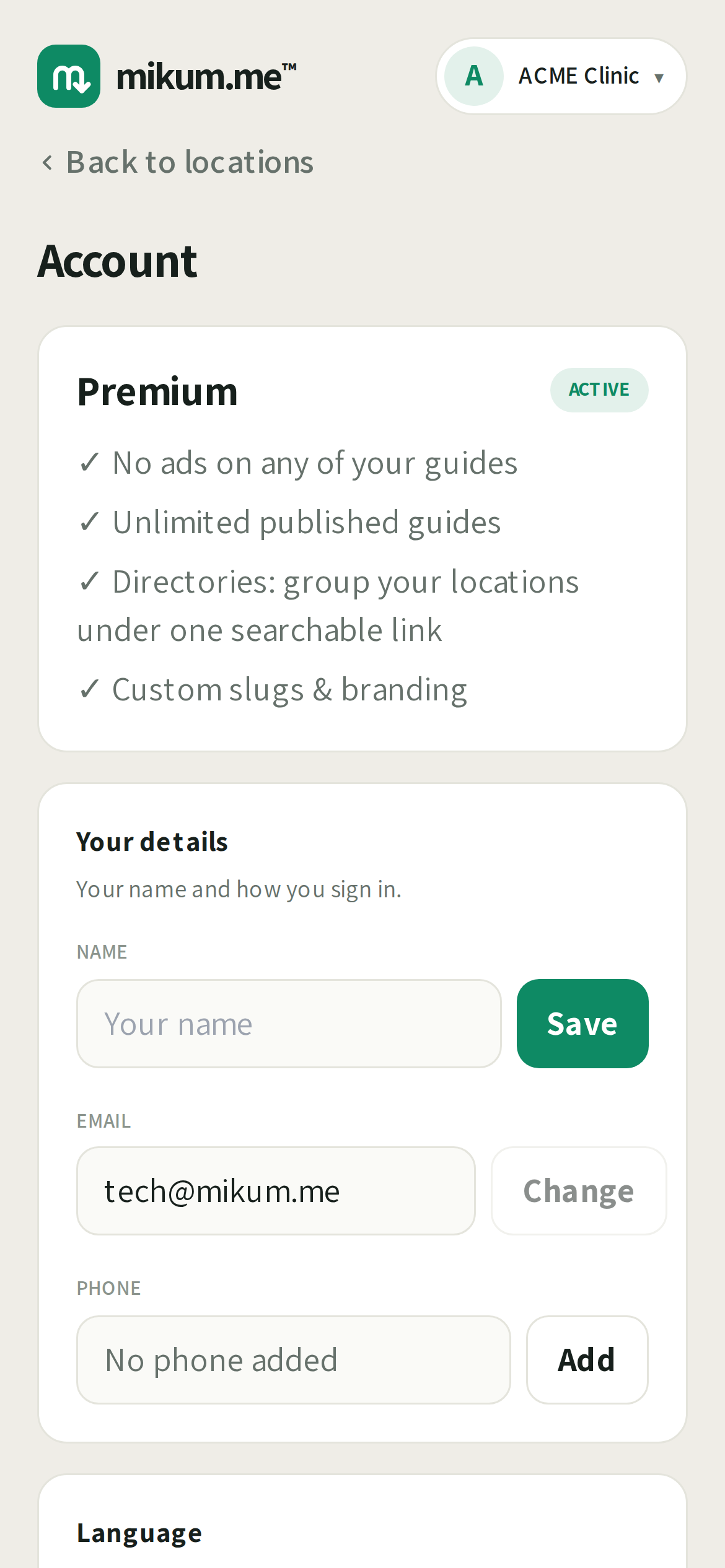
- Unlimited live guides, no ads
- Your own logo and branding on every guide
- Automatic translation into fifteen languages
- Directories that group many guides under one link
💡Changed your mind? Cancel any time from Billing & invoices in the menu. You keep premium until the end of the period you paid for.
Last updated Aug 2, 2026