Premium
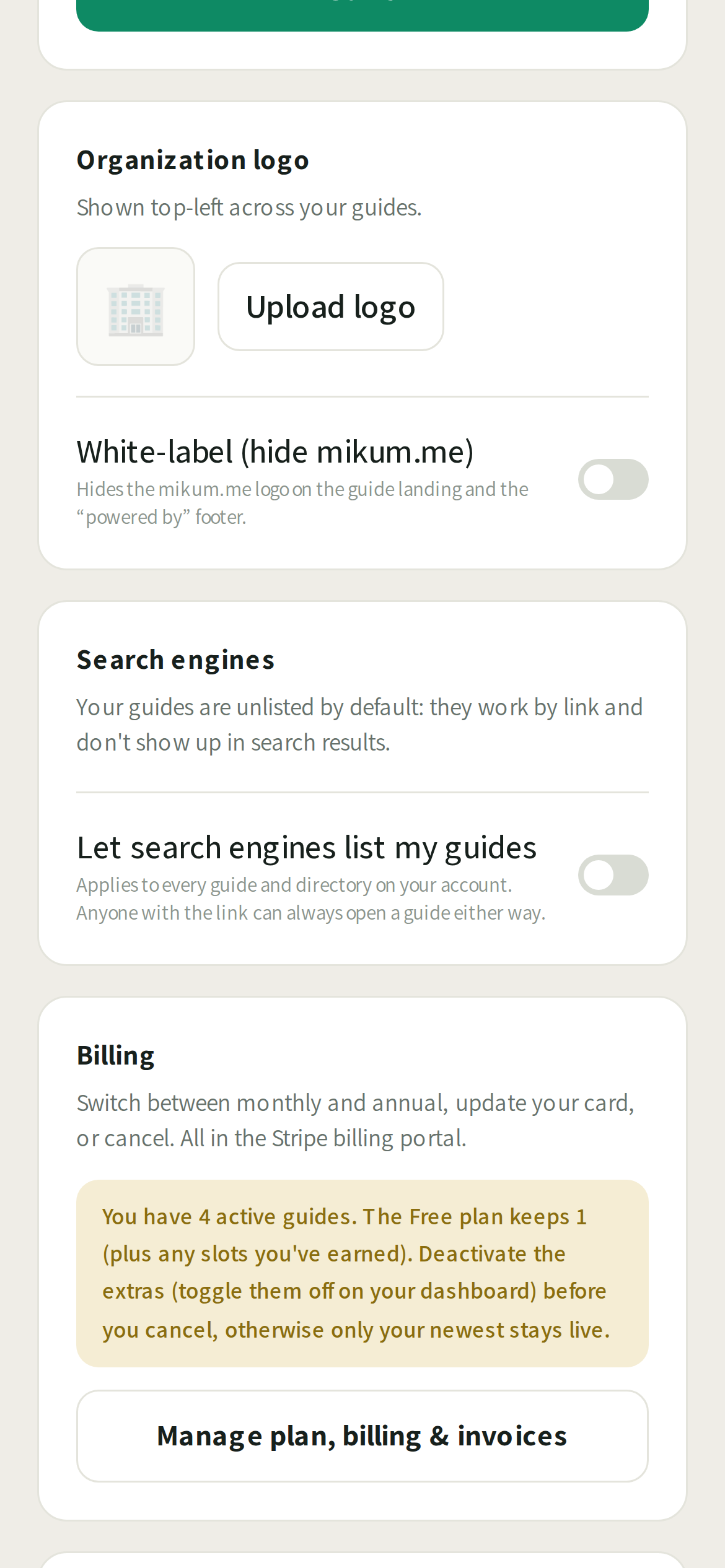
Letting search engines find your guides
Off by default. Premium accounts can choose to be listed on Google.
By default your guides are not listed on Google or any other search engine. They work by link: you share the address with the people who need it, and nobody else stumbles onto it from a search.
For a business that is another story: a clinic or a venue often *wants* "how to get to us" to show up when someone searches for it. Premium accounts can switch that on.
Turning it on
- 1Open the menu and go to Account settings (Premium).
- 2Find Search engines and turn on "Let search engines list my guides".
- 3That is it. The setting covers every guide and directory on your account, and applies the moment you save.
💡Turn it back off and the pages go back to being unlisted. Search engines usually take a few days to a few weeks to pick either change up. It is their schedule, not ours.
Good to know
- Being unlisted is not a password. Anyone holding the link can still open the guide, so keep treating the link itself as the key.
- Protected gate codes are never printed in the page in either mode, so they cannot be picked up by a search engine.
- The setting is per account, not per guide. If one guide should stay private while another is public, keep them on separate accounts.
Last updated Jul 27, 2026