Floor, entrance note and the little details
The extra lines that turn "the building" into "your door".
A few small fields carry a lot of weight: they are what a visitor reads the moment they arrive at the building.
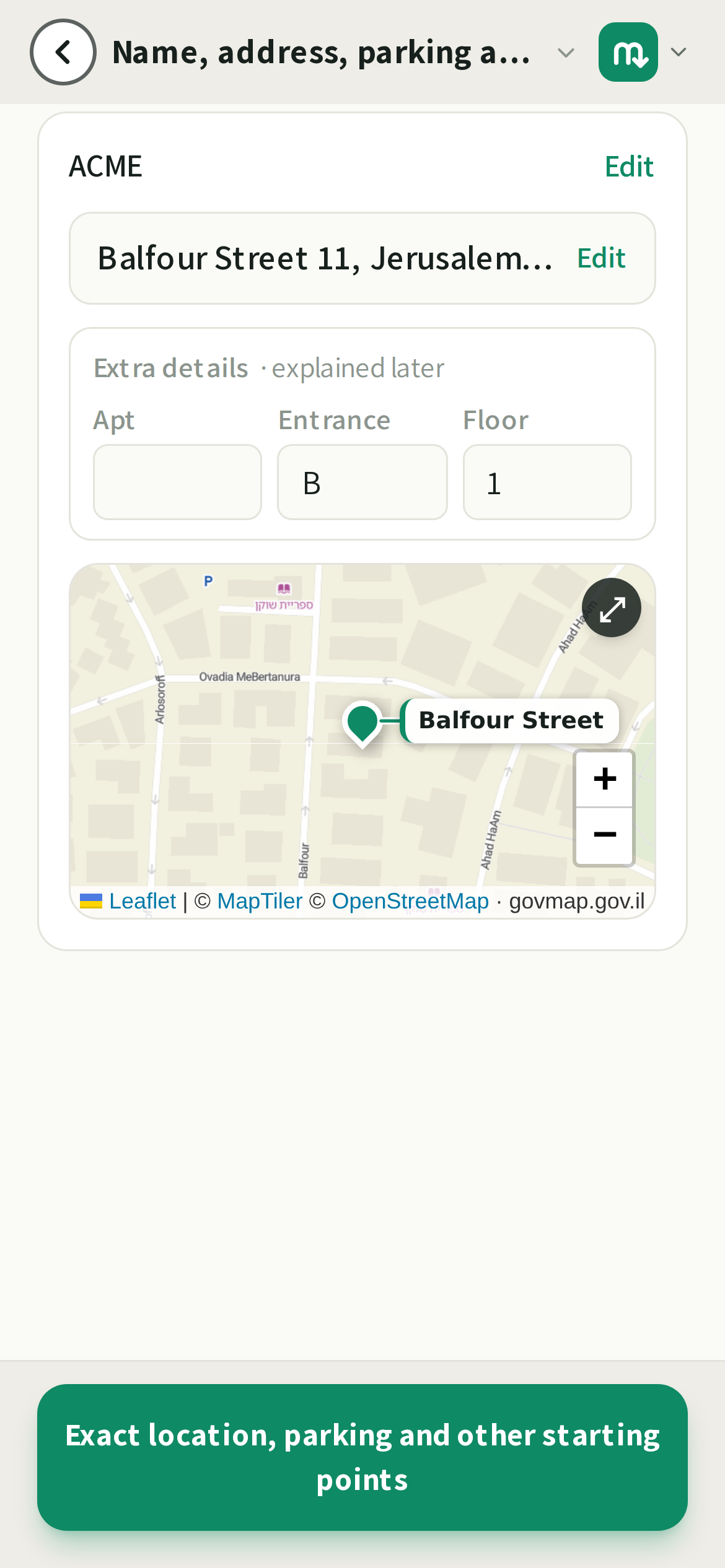
What to fill in
- Entrance, the one line you would say at the door: "Side entrance, not the main lobby", "Ring apartment 4, second name on the panel".
- Floor: the floor the door is on, so nobody rides the wrong lift.
- These sit alongside the address and show up right where the last-mile walk begins.
💡Write the entrance note for a stranger holding a phone in one hand and a bag in the other. Short, concrete, no jargon.
Good to know
None of this replaces the photos. It complements them. The photos show the way; these lines catch the details a photo can't spell out, like a flat number or "use the back gate after 6pm".
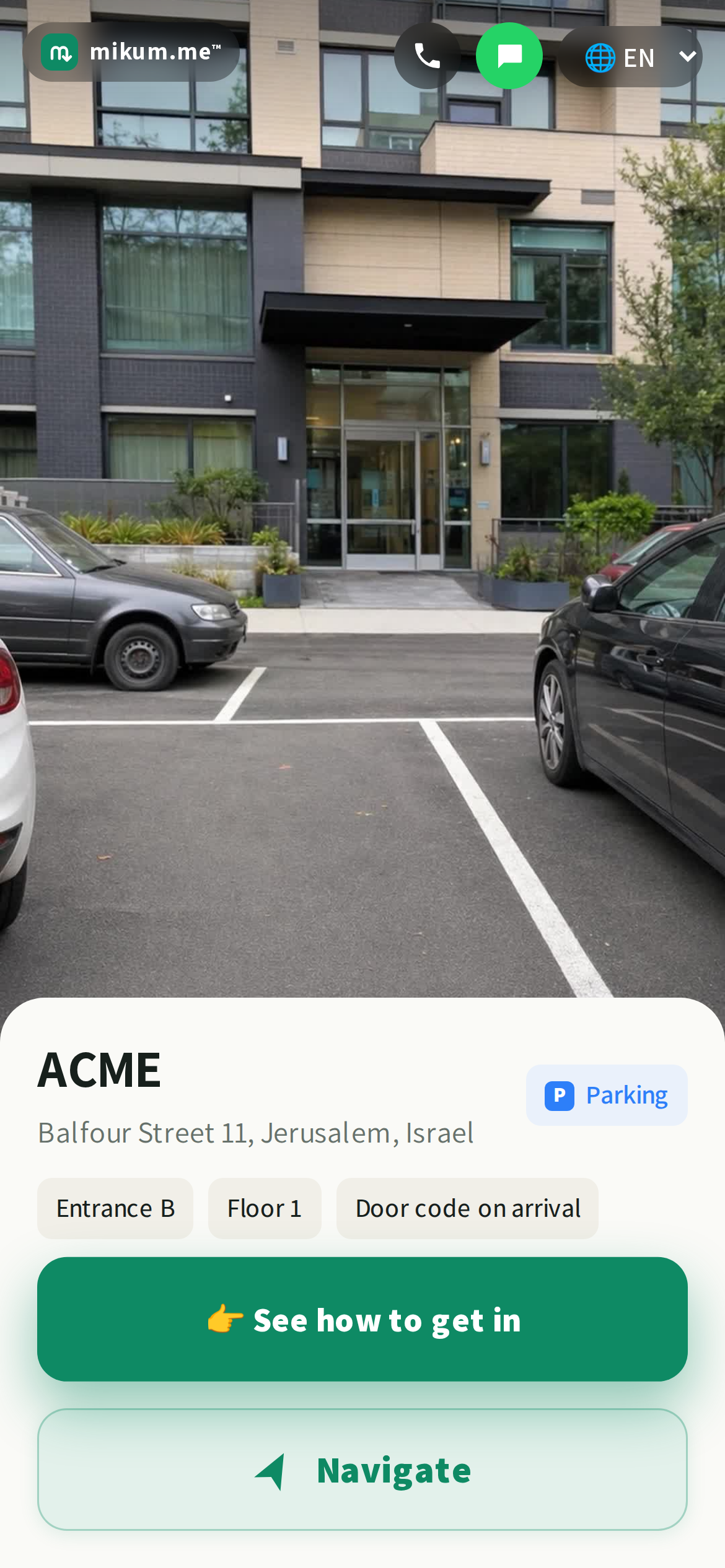
The AI drafts with them
When mikum.me writes the instruction for a photo, it is told these details as well, so a photo with a single lift in it and a floor filled in already drafts as "Take the lift to the 7th floor", and a lone intercom panel can name the apartment. Fill them in before you draft and the wording comes out sharper for free.
When the photo is ambiguous (two lifts, a whole bank of buzzers) the draft deliberately stays general instead of guessing which one. Your door code is never sent to the AI; it only knows that a code is revealed at that step.
Last updated Jul 27, 2026