Troubleshooting
The link is not working
The three things that cause almost every broken link.
Check in this order
- 1Is it published? A draft has no public page. Open your guide list: a draft says so under the name, and a guide you switched off shows its photo in gray.
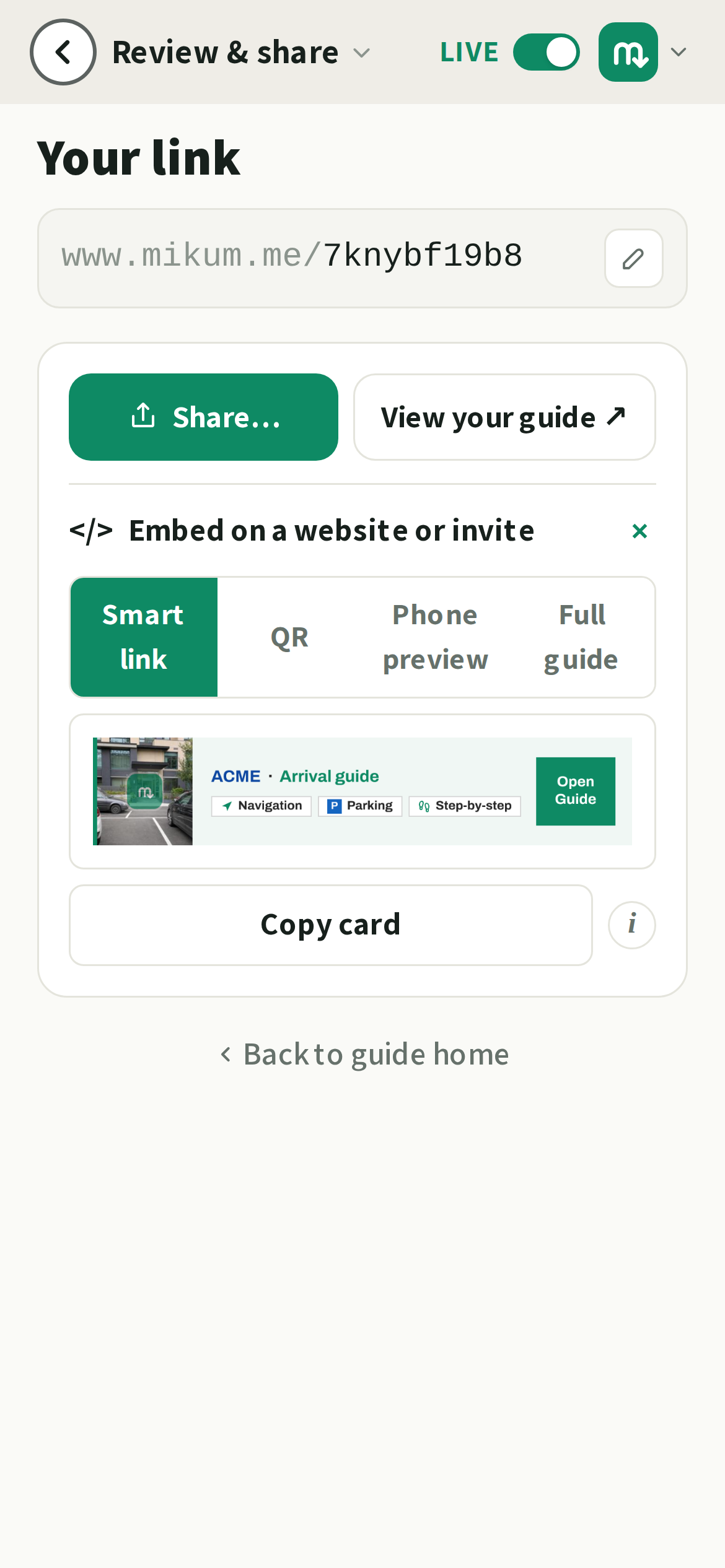
- 2Is it the current link? If you renamed the link after sharing it, the old address stops working. Copy it again with the share button.
- 3Free plan limit? On the free plan only two guides can be live at once. If you published a third, the oldest goes quiet: either deactivate one or upgrade.
💡Test it yourself the way a visitor sees it: open the link in a private/incognito tab.
Still stuck? Write to us: include the link and what happened on the visitor's screen.
Last updated Aug 5, 2026