Your guide works without a signal
Once a visitor opens your guide, it is saved on their phone, photos included.
Signal has a habit of disappearing exactly where a guide is needed: the underground car park, the back stairwell, the last kilometre of a country road. So the first time a visitor opens your guide, their phone keeps a copy of it.
What is saved
- Every route photo, with your arrows, circles and labels.
- The titles and captions you wrote for each step.
- Floor, entrance and apartment.
- The contact buttons: calling or texting you needs a phone signal, not mobile data.
- Any door code that is shown to everyone.
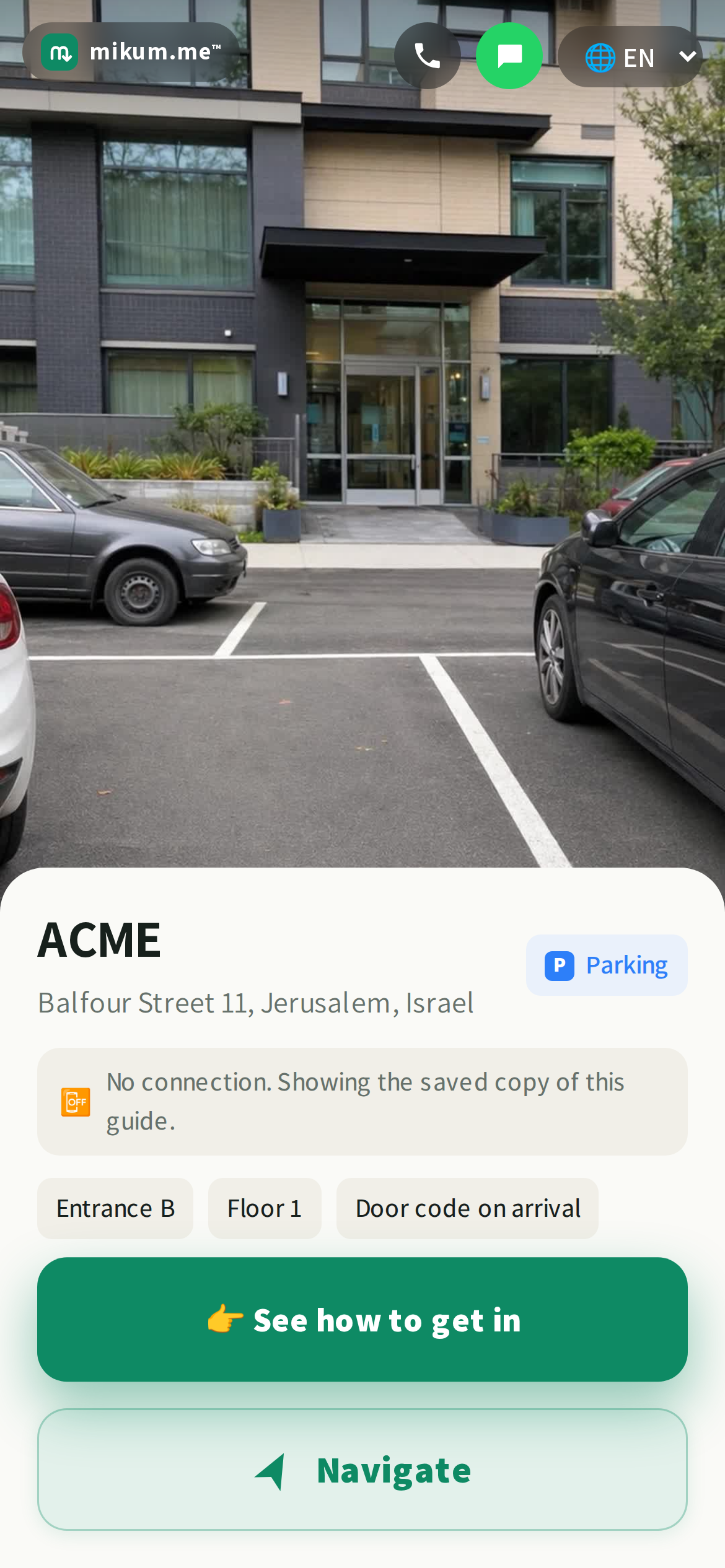
Nothing is asked of the visitor: no install, no "save for offline" button. It happens quietly in the background while they read the first screen.
What still needs a connection
- 1The map on the Navigate screen. Map tiles are fetched live as you pan and zoom, so offline the guide says so and shows the navigation buttons instead.
- 2A protected code. A code behind "only at the door", a QR sticker or "ask me to approve" is never stored in the page: it is released after the check, so it needs a moment of signal.
- 3Navigation apps. Waze, Google Maps and the rest are separate apps with their own offline maps.
💡Tip: photos carry the walk when data does not. A clear photo of the gate, the lift lobby and the door itself is what a visitor with one bar will actually rely on.
Good to know
A visitor who reopens the guide while online always gets the latest version. If you change a photo or a caption, their saved copy is refreshed on the next open with signal. And a guide opened for the very first time in a dead zone has nothing to fall back on, so it is worth sending the link before your visitor sets off, not after.
Last updated Aug 4, 2026