Joining someone else's mikum.me account
Someone invited you to help manage their location guides: what accepting means, and what you can do once you are in.
An organisation on mikum.me can invite you to help look after its location guides. The invite arrives as a sign-in link: opening it signs you in and lands you on one decision.
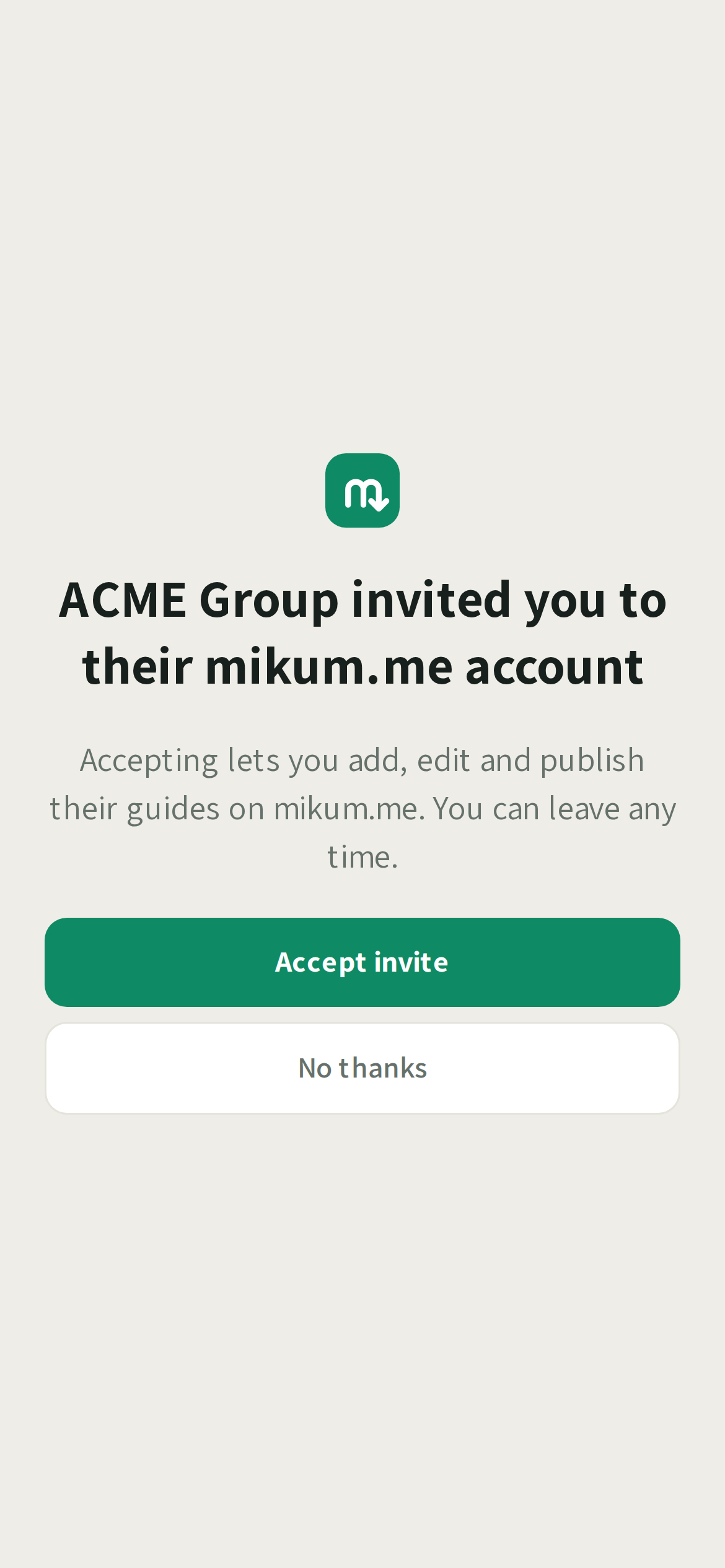
Accept, or not
- Accept invite: you join immediately and land on the organisation's guides.
- No thanks: the account the invite created for you is deleted, so your email or phone number stays free for you to sign up with later on your own, if you ever want to.
What you can do
That depends on the permission level the person inviting you picked. They can change it later, and you get a notification when they do.
- Editor: add, edit and publish any guide on the account. Deleting one (or giving it away as a gift) is limited to guides you created yourself.
- Contributor: add, edit, delete and publish the guides you created. The rest of the account's guides stay visible to you, just not editable: their cards say so instead of opening.
Directories work the same way as guides.
It is their account, not yours
Everything you make belongs to the organisation: the guides you add sit on their account, carry their branding and count against their plan. A line at the top of a guide you are editing says whose it is. Billing and account settings belong to the owner too, which is why those rows are not in your menu.
💡Two of you in the same guide at once? mikum.me checks the guide again in the moment before it saves: if it changed while you had it open, you are asked whether to save yours anyway or reload theirs first. Nothing is overwritten silently.
Leaving
Ask the account owner to remove you: access ends the moment they do, and the guides you created stay with the account. If you cannot reach them, write to support@mikum.me.
Last updated Aug 18, 2026